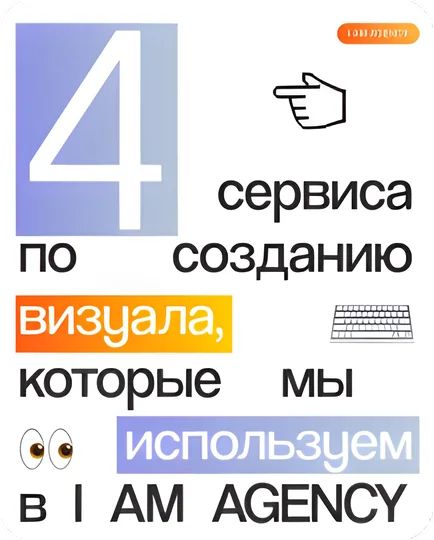
A tool does not create a visual identity by itself. It accelerates execution once the team understands the brand character, typography, composition and image rules it needs to preserve.
These four tool categories cover different stages of a practical social content workflow.
Figma for systems and collaboration
Figma is useful for templates, carousels, presentations and shared component libraries. A well-structured file reduces repeated decisions and makes consistency easier across a team.
Canva for controlled everyday production
Canva can help non-designers create routine materials quickly. The important step is to lock in approved templates, type styles and asset libraries before production is distributed.
CapCut for fast platform-native video
CapCut supports efficient short-form editing, subtitles and simple motion. Use effects selectively: rhythm, clarity and a strong opening usually matter more than visible editing tricks.
AI image tools for exploration
Generative image tools are useful for references, visual exploration and some campaign assets. Review rights, disclosure needs and brand realism before generated material is published.
A simple selection rule
- Use Figma to define the system
- Use Canva to scale controlled variations
- Use CapCut for regular short-form editing
- Use AI tools to explore, not to replace art direction
The strongest setup is rarely one application. It is a small workflow in which each tool has a job and every output is checked against the same brand rules.